
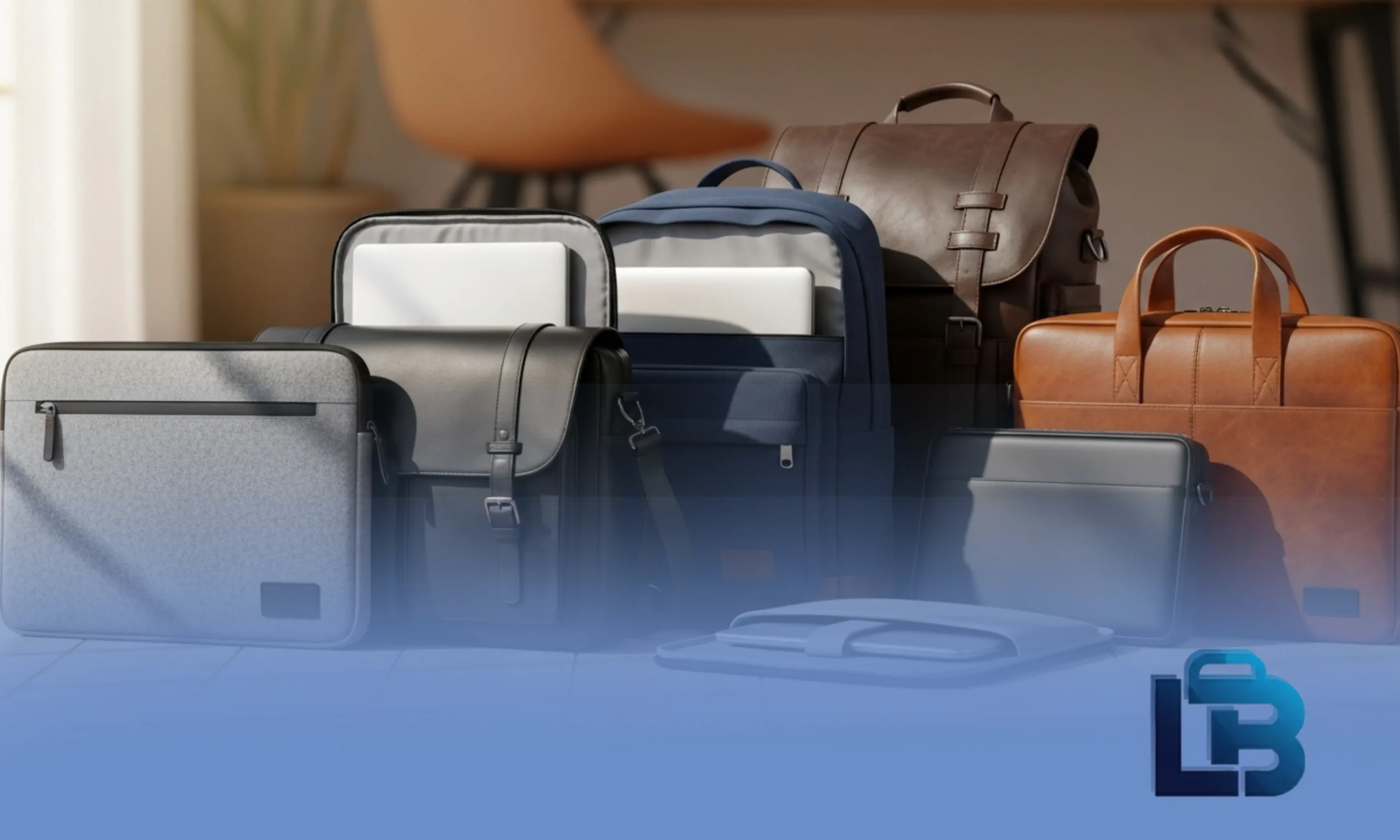
Laptop Bag Sizes – Complete Guide to Choosing the Perfect Fit
Size is the most important thing to get right when buying a laptop bag — more than the brand, the style, or even the material. Get the size wrong and nothing else matters: a bag that’s too small won’t close properly, and a bag that’s too large can actually let your laptop slide around and get damaged inside.
The good news is that picking the right size is very simple once you know the basics. This guide walks you through everything — from how to measure your laptop in under two minutes to which bag size fits the most popular laptop models in Pakistan.
Why Size Matters More Than You Think
Most people focus on how a bag looks and forget to check the size carefully. But here’s what actually happens when you get the size wrong:
- Too small: The laptop doesn’t fit inside the compartment at all, or it fits but the zipper is under constant strain and eventually breaks. The padding can’t do its job properly either.
- Too large: The laptop slides around inside the compartment every time you walk or turn. Over time, this causes the corners of your laptop to knock against the bag’s interior — slowly damaging the casing.
- Just right: The laptop slides in smoothly, sits snugly, doesn’t move, and the padding wraps it from all sides. That’s the protection you’re actually paying for.
The sweet spot is a bag that’s the same size as your screen — or one inch larger if you want room to carry a charger and accessories. Going more than one inch larger usually means the laptop compartment is too loose.
How to Measure Your Laptop in Under 2 Minutes
Before you buy anything, take two quick measurements. You only need a ruler or a measuring tape.
1- Measure the screen diagonally
Place your ruler at the bottom-left corner of the screen and stretch it diagonally to the top-right corner. Measure only the visible screen — not the black plastic bezel around it. The number you get in inches is your laptop’s official screen size. This is what the bag label refers to.
2- Measure the body width and height
Close your laptop. Measure the full width from left edge to right edge. Then measure the height from top edge to bottom edge. These two numbers tell you whether the laptop will physically fit inside the bag compartment — the bag’s internal width and height must both be larger than your laptop’s.
3- Check the bag’s internal dimensions (not external)
When shopping, always look for the bag’s internal compartment dimensions, not the overall outer size of the bag. A bag might be labeled “15.6-inch” but its actual internal compartment could be slightly different depending on the brand. Good product listings always specify internal measurements.
Screen size is measured diagonally but body width is measured straight across. Don’t confuse the two. A 15.6-inch screen laptop is typically about 14 inches wide — if you measure the width and get 14 inches, that’s normal and correct.
Example: HP Pavilion 15
| Measurement | Value | What to Look For in a Bag |
|---|---|---|
| Screen size (diagonal) | 15.6 inches | Bag labeled “15.6-inch” or “16-inch” |
| Body width | 14 inches | Internal bag width > 14 inches |
| Body height | 9.8 inches | Internal bag height > 9.8 inches |
| Thickness (closed) | 0.9 inches | Internal depth > 0.9 inches |
Quick Reference Size Chart
Here’s the fastest way to find your size. Find your screen size in the left column and follow across:
| Screen Size | Body Width (approx.) | Bag to Buy | Best Bag Style | Typical User |
|---|---|---|---|---|
| 11–12 inch | 10.5–11.5 inches | 11 or 12-inch bag | Sleeve or mini backpack | Students, tablet users |
| 13–13.3 inch | 11.5–12.5 inches | 13-inch bag | Compact backpack, tote, sleeve | Freelancers, commuters |
| 14 inch | 12.5–13 inches | 14-inch bag | Messenger bag, slim backpack | Office professionals |
| 15–15.6 inch | 13.5–14.2 inches | 15.6-inch bag | Standard backpack, briefcase | Most users — most common size |
| 16 inch | 14–14.5 inches | 16-inch bag | Large backpack, business bag | Developers, MacBook Pro 16 users |
| 17–17.3 inch | 15.5–16 inches | 17-inch bag | Gaming bag, rolling bag | Gamers, video editors |
| 18 inch+ | 16.5+ inches | 18-inch or XL bag | Heavy-duty travel bag | Engineers, heavy travelers |
Every Laptop Bag Size Explained
11 to 12-Inch Bags Compact
These are the slimmest bags available — more like a padded envelope than a traditional bag. They’re light to carry and fit easily inside a larger backpack or tote. If your device is a tablet or a small Chromebook, this is your size.
Just be aware: most 11–12 inch bags have minimal extra storage. If you regularly carry a charger and accessories, you may find it tight.
13 to 13.3-Inch Bags Popular
This is one of the most popular sizes for people who want a bag that feels light but still protects a real laptop. The 13-inch category covers a huge range of premium thin laptops — MacBook Air, Dell XPS 13, and similar slim models.
Bags in this size tend to be well-designed for everyday carry. They’re not too bulky, they look professional, and they have enough pockets for a charger and a notebook. A great all-rounder for people who travel light.
14-Inch Bags Common in Pakistan
The 14-inch size is extremely popular in Pakistan’s office market because many business and government-grade laptops come in this size — Lenovo ThinkPad, HP EliteBook, Dell Latitude. These bags balance portability and capacity well.
If you’re buying for an office worker who commutes by car or motorbike, a 14-inch bag is a practical, comfortable choice that doesn’t feel too heavy at the end of the day.
15 to 15.6-Inch Bags Most Popular in Pakistan 
This is the most common laptop bag size in Pakistan — and probably the world. If you’re not sure what size to get, and you have a standard everyday laptop, it’s almost certainly a 15.6-inch. HP Pavilion, Dell Inspiron, Lenovo IdeaPad — the majority of affordable laptops sold in Pakistan are 15.6 inches.
The selection at this size is massive — from Rs. 3,000 basic backpacks to Rs. 10,000+ professional briefcases. Whatever your style or budget, you’ll find it here. Most bags labeled “15.6-inch” also fit 15-inch laptops without any issue.
16-Inch Bags Growing Category
The 16-inch size has grown in popularity as more laptop manufacturers have moved from 15.6 to 16-inch screens. The MacBook Pro 16 is the most common 16-inch laptop in Pakistan’s premium market.
Important note: a 15.6-inch bag will not fit a 16-inch laptop comfortably. The difference seems small but a 16-inch laptop’s body is noticeably wider. Always check specifically for a 16-inch bag if you have one of these models.
17 to 17.3-Inch Bags Heavy Duty
17-inch bags are large, heavily padded, and built for laptops that weigh 2.5 kg or more. Gaming laptops like the ASUS ROG and Alienware are the primary users of this size. These bags are often reinforced with extra shoulder padding and ergonomic straps because the whole setup is heavy.
Don’t buy a 17-inch bag for a regular laptop — it’s oversized and will feel unnecessarily bulky. But if you have a gaming machine, this is exactly what you need.
18-Inch and Above Specialist
Very few people need this size. It’s for users who carry oversized laptops along with professional gear — external hard drives, drawing tablets, camera equipment. These are typically heavy-duty bags with reinforced bases and multiple major compartments.
Size Guide for Popular Laptops in Pakistan
To save you time, here’s the right bag size for the laptops most commonly used in Pakistan:
| Laptop Model | Screen Size | Body Width × Height | Buy This Bag Size |
|---|---|---|---|
| HP Pavilion 15 | 15.6″ | 14″ × 9.8″ | 15.6-inch bag |
| Dell Inspiron 15 | 15.6″ | 14.1″ × 9.7″ | 15.6-inch bag |
| Lenovo IdeaPad 3 15″ | 15.6″ | 14.1″ × 9.7″ | 15.6-inch bag |
| Lenovo ThinkPad T14 | 14″ | 12.9″ × 9″ | 14-inch bag |
| HP EliteBook 840 G9 | 14″ | 12.7″ × 8.6″ | 14-inch bag |
| MacBook Air 13″ (M2) | 13.6″ | 11.97″ × 8.46″ | 13-inch or 14-inch bag |
| MacBook Pro 14″ | 14.2″ | 12.31″ × 8.71″ | 14-inch bag |
| MacBook Pro 16″ | 16.2″ | 14.01″ × 9.77″ | 16-inch bag (not 15.6″) |
| Dell XPS 13 | 13.4″ | 11.64″ × 7.84″ | 13-inch bag |
| ASUS ROG Strix 17″ | 17.3″ | 15.6″ × 10.6″ | 17-inch bag |
| HP Omen 16 | 16.1″ | 14.5″ × 10″ | 16-inch bag |
| Acer Aspire 5 15″ | 15.6″ | 14.3″ × 9.5″ | 15.6-inch bag |
If your laptop is from HP Pavilion, Dell Inspiron, Lenovo IdeaPad, or Acer Aspire in the standard 15-inch range — just buy a 15.6-inch bag and you’re done. These are all the same family and they all fit.
Size Availability by Brand in Pakistan
| Brand | Sizes Available | Price Range (PKR) | Where to Find |
|---|---|---|---|
| HP | 14″, 15.6″, 17″ | Rs. 3,000 – Rs. 10,000 | Authorized HP dealers, LaptopBag.pk |
| Dell | 13″, 15.6″, 17″ | Rs. 3,500 – Rs. 12,000 | Dell stores, online |
| Lenovo | 14″, 15.6″ | Rs. 2,800 – Rs. 9,000 | Lenovo dealers, Daraz |
| Targus | 13″, 15″, 17″ | Rs. 5,000 – Rs. 15,000 | Tech stores, online |
| SwissGear | 15.6″, 17″ | Rs. 6,000 – Rs. 20,000 | Branded stores, Daraz |
| Local/LB Bags | 13″, 14″, 15.6″, 17″ | Rs. 1,500 – Rs. 8,000 | LaptopBag.pk |
Sleeve vs Bag — Does Size Work the Same?
For sleeves, sizing works differently from bags. Here’s the key difference:
- For a bag: Go the same size or one inch larger than your screen. A little extra room is fine and useful for accessories.
- For a sleeve: Match the exact size of your laptop. Sleeves are meant to fit snugly — that’s how they protect. A sleeve that’s too large won’t cushion properly because the laptop slides around inside it.
| Laptop Screen Size | Bag to Buy | Sleeve to Buy |
|---|---|---|
| 13.3 inch | 13 or 14-inch bag | 13.3-inch sleeve exactly |
| 14 inch | 14 or 15-inch bag | 14-inch sleeve exactly |
| 15.6 inch | 15.6 or 16-inch bag | 15.6-inch sleeve exactly |
| 16 inch | 16-inch bag | 16-inch sleeve exactly |
Common Sizing Mistakes to Avoid
❌ Buying based on screen size alone without checking body dimensions
Screen size tells you which bag label to look for, but always verify that the bag’s internal width is larger than your laptop’s actual body width. Some wide-bezel older laptops have a wider body than newer thin-bezel models of the same screen size.
❌ Assuming a 16-inch bag fits any 15.6-inch laptop
It does — but the laptop will have about 1.5 inches of extra space and may shift around. It’s fine if you pack accessories around it, but a loose laptop in an oversized compartment is not ideal for protection.
❌ Using a 15.6-inch bag for a 16-inch MacBook Pro
This is the most common expensive mistake. The MacBook Pro 16 is 14 inches wide — it will not fit properly in most 15.6-inch bags. Always buy a 16-inch specific bag for this laptop.
❌ Checking outer bag dimensions instead of internal compartment dimensions
The outside of a bag is always larger than the laptop compartment inside. Always look for “internal dimensions” or “fits up to X-inch laptop” in the product specs — don’t measure the outside of the bag and assume your laptop will fit.
❌ Buying an extra-large bag “for future laptops”
Buying a 17-inch bag for your current 15.6-inch laptop because you might upgrade someday is a bad trade-off. You carry a bulkier, heavier bag every day for years just for a hypothetical future purchase. Buy the right size now.
Quick Tips Before You Buy
🎯 Size Checklist
- Measure your screen diagonally — only the visible area, not the bezel
- Note your laptop’s body width — the bag’s internal width must exceed this
- For bags: same size or one inch larger is ideal
- For sleeves: match the exact screen size for a snug, protective fit
- Check internal compartment dimensions — not the bag’s outer size
- If you carry a charger and mouse daily, add 1 inch to your bag size
- MacBook Pro 16 users: always buy a 16-inch specific bag, not 15.6″
- Gaming laptop users (ASUS ROG, Alienware, HP Omen 17): go with a 17-inch bag
Frequently Asked Questions
What is the most common laptop bag size in Pakistan?
The 15.6-inch bag is by far the most common. It fits the HP Pavilion, Dell Inspiron, Lenovo IdeaPad, and Acer Aspire — which are the most popular laptops sold in Pakistan. If you’re buying for someone and don’t know their laptop size, a 15.6-inch bag is the safest guess.
Can a 15.6-inch laptop fit in a 14-inch bag?
No — it will not fit. A 15.6-inch laptop’s body is about 14 inches wide, while a 14-inch bag’s internal compartment is around 13.5 inches. The laptop simply won’t go in. Always choose a bag equal to or slightly larger than your screen size.
How do I measure my laptop to find the right bag size?
Measure your screen diagonally from corner to corner — only the visible screen area, not the bezel. That number in inches is your screen size. Match it to the bag label. Then double-check by comparing your laptop’s body width to the bag’s listed internal width.
What size laptop bag fits a MacBook Air?
The MacBook Air 13″ (M1 and M2) fits well in a 13-inch or 14-inch bag. The MacBook Air 15″ needs a 15.3 to 15.6-inch bag. Always check the exact model before buying — Apple has changed screen sizes across generations.
Should I buy a bag the exact size of my laptop or slightly bigger?
Slightly bigger is better for bags. One inch of extra space lets you comfortably fit your charger, mouse, and small accessories without the laptop being too loose. For sleeves, match the exact size for a snug, protective fit.
Does laptop bag size affect the price?
Yes — larger bags use more material and typically include more compartments, so they cost more. But you can still find good options at every budget. See our guides on bags under Rs. 1,000 and bags under Rs. 2,000 if you’re on a tight budget.
Which size is best for girls and boys?
It depends on the laptop, not the person. That said, in Pakistan most school and university students use 15.6-inch laptops, so a 15.6-inch bag fits both. Girls often prefer slim 14-inch bags for style and weight, while boys carrying heavier accessories tend to go for 15.6 to 17-inch options.
What size bag should I buy if my laptop is 15 inches (not 15.6)?
A 15.6-inch bag will fit a 15-inch laptop perfectly. The half-inch difference means a small amount of extra room — just enough to feel snug without being loose. You don’t need to hunt for a specific “15-inch” bag.
Quick Final Summary
Getting the right laptop bag size comes down to two things: knowing your screen size and checking the internal compartment dimensions of the bag you’re considering. Don’t just trust the label — take two minutes to measure and verify.
For most people in Pakistan, the 15.6-inch bag is the right choice — it fits the most popular laptops and comes in the widest range of styles and prices. If you have a MacBook Pro 16 or a gaming laptop, move up to a 16 or 17-inch bag. For ultrabooks and thin laptops, the 13 or 14-inch range gives you a lighter, sleeker carry.
Once you know your size, explore our guides on types of laptop bags, materials, and prices in Pakistan to find the right bag for your budget and style.